


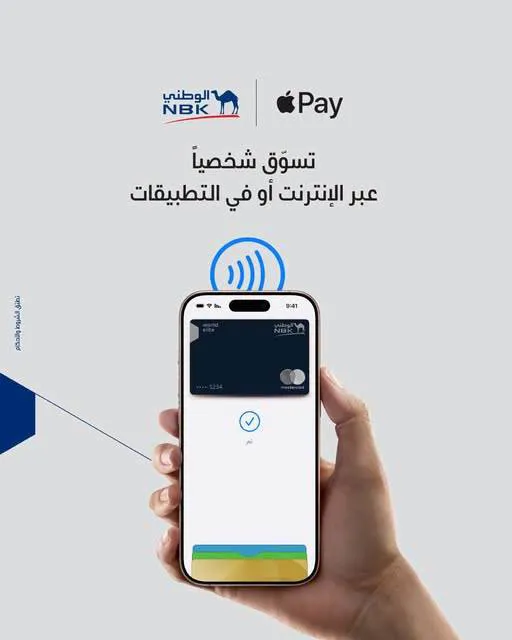
National Bank of Kuwait – Egypt (NBK Egypt) offers its customers an easy, fast and secure payment experience through Apple Pay, which lets them add their NBK cards to their mobile phones and pay with ease, whether in stores or online.
Benefits:
Ease
Pay easily in a few simple steps.
Security
Pay securely using Face ID or your fingerprint.
Tap, pay, done
With Apple Pay, you can complete payments faster, without having to enter your bank card number or card verification code.
Works everywhere
Use Apple Pay at any contactless payment terminal that supports the service, anywhere in the world.
Through the NBK mobile banking app:
Open the mobile banking app on your device.
Tap "More", then choose "Manage my cards".
Choose the card you want to add to Apple Pay by swiping left and right, then tap "Add to Apple Wallet".
Accept the terms and conditions.
Apple Wallet
Adding a bank card on iPhone
Open the Apple Wallet app, tap the add sign (+), then choose "Add debit or credit card".
Scan your card, then enter the 3-digit security code on the back of the card, or tap "Enter card details manually" and follow the instructions.
Accept the terms and conditions.
Enter the verification code sent by SMS to the mobile number registered with the bank.
Adding a bank card on Apple Watch
Open Apple Wallet on your Apple Watch, then tap "Add Card".
Complete the verification steps to add your card.
Adding a bank card on Mac and iPad
Open System Preferences and choose "Wallet & Apple Pay" to start linking your bank card.
Complete the verification steps to add your bank card.

Comments
No comments yet. Be the first!