


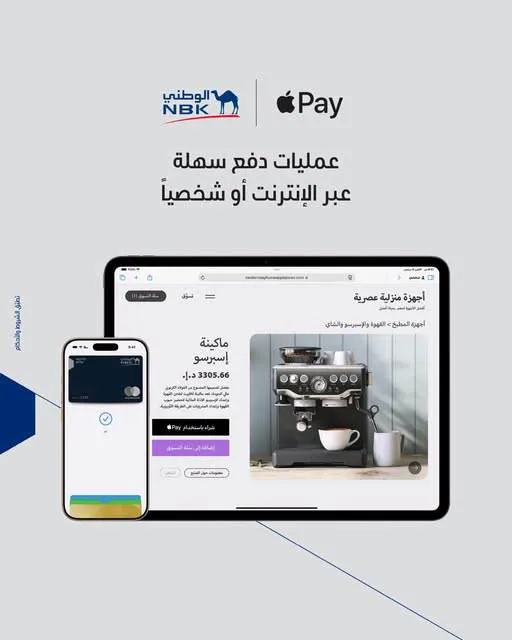
National Bank of Kuwait – Egypt (NBK Egypt) lets its customers use their bank cards through Apple Pay, offering an easy, fast and secure electronic payment experience, whether shopping in stores or making purchases in apps, using Apple devices compatible with the service.
The service lets customers pay contactlessly without using the physical card, making everyday transactions easier and offering a more flexible payment experience.
Benefits of Apple Pay with NBK Egypt
Apple Pay offers a number of benefits that help customers carry out their transactions easily, most notably:
Speed: complete payments easily and quickly.
Security: a secure payment experience when using cards through compatible Apple devices.
Ease of use: pay without taking out your bank card every time.
Contactless payment: use the service in stores that accept contactless payments, as well as in apps that support Apple Pay.
The service gives customers a simple payment experience in line with the slogan "Tap, pay, done".
How to add your NBK Egypt card to Apple Pay
Customers can add their cards to Apple Wallet through the bank's mobile banking app by following these steps:
Open the NBK Egypt mobile banking app on your device.
Tap "More", then select "Manage my cards".
Choose the card you want to add to Apple Pay by swiping left or right, then tap "Add to Apple Wallet".
Accept the terms and conditions.
Once these steps are complete, the card is ready to use with Apple Pay, subject to the service's activation requirements.
The bank advises customers to make sure they have the latest version of the mobile banking app to use the service and complete the card-adding steps.
Banky's view
Making NBK Egypt cards available on Apple Pay supports the expansion of electronic payment solutions and gives customers an additional way to complete their everyday transactions easily and quickly.
The service suits customers who rely on online shopping or prefer contactless payment in stores, and it reduces the need to carry bank cards and use them directly for every transaction.

Comments
No comments yet. Be the first!