

The United Bank lets customers make money transfers through the UB Mobile Banking app, which offers a range of digital banking services that help customers manage their accounts and track their financial transactions anytime and anywhere, saving time and effort and making it easier to complete transactions without visiting a branch.
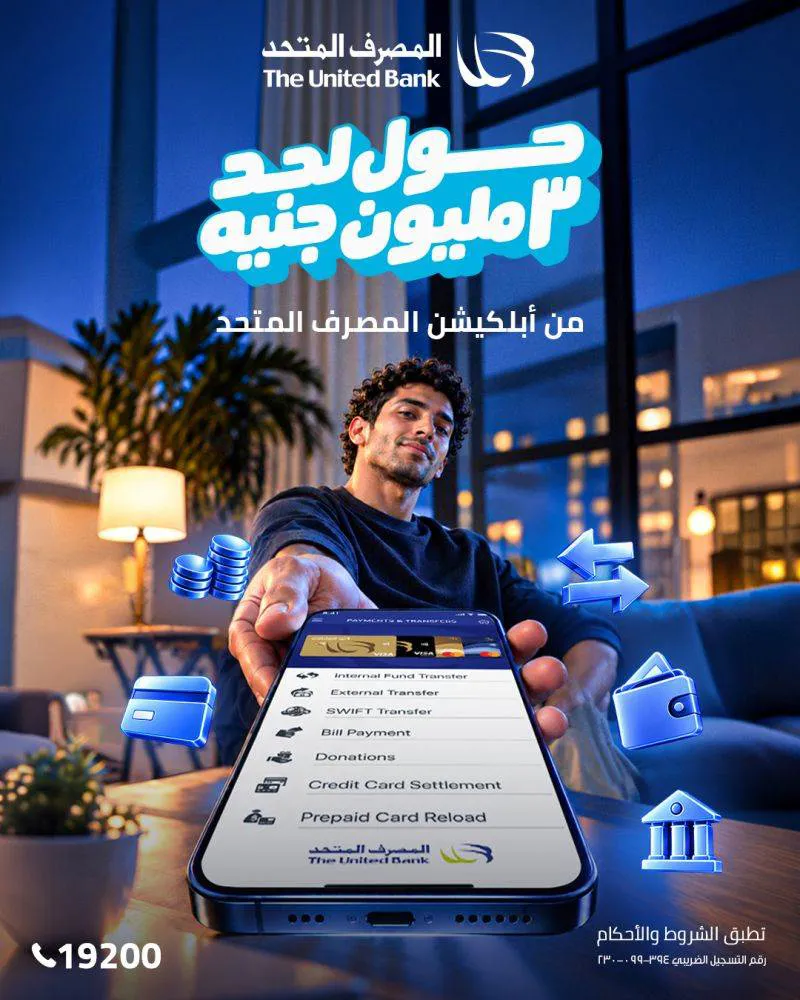
The United Bank announced on its official page that customers can transfer amounts of up to EGP 3 million through its mobile banking app, allowing them to make transfers easily and securely, subject to the terms and conditions governing the service.
Features of The United Bank's mobile banking app
The UB Mobile Banking app offers a range of banking services that let customers track their accounts and carry out many transactions electronically. The main ones are:
1. Account services
Account tracking: view all retail customer accounts, including current accounts, savings accounts, investment accounts, loans, certificates, deposits and cheques.
Loan details: check the loan amount and current balance, the date and amount of the last installment paid, and the date and amount of the next installment.
Credit card tracking: view balances on primary and supplementary cards, check the card's status, expiry date and minimum payment, and print statements for previous months.
Prepaid card inquiries: track prepaid cards, including the Meeza national card.
International account number: view your International Bank Account Number (IBAN) for use in bank transfers.
2. Transfer and payment services
Transfers between accounts: transfer between the customer's own accounts and between accounts of The United Bank's customers.
Transfers to other banks: transfer between accounts of The United Bank's customers and customers of other banks via SWIFT.
Credit card payments: pay amounts due on the customer's own credit cards.
Prepaid card top-ups: top up the customer's own prepaid cards.
Charity donations: donate to charities and organisations accredited by The United Bank that hold accounts with it.
Bill payments and top-ups: look up and pay bills, plus available top-up services, including Vodafone top-ups.
IBAN transfers: make domestic and international transfers using the International Bank Account Number (IBAN), subject to the available services and their terms.
3. Card services and requests
Activate or stop cards and report them stolen.
File disputes on card transactions.
Request a chequebook.
Request to open a new sub-account.
Check the customer's current standing with the Egyptian Credit Bureau (I-Score).
Steps to activate the security token service
The United Bank sets out the steps for activating the security token service linked to its digital banking services, as follows:
Download the app from the Apple App Store, Google Play or Huawei AppGallery.
Open the app and go to Settings.
Tap the option to show the phone's identification number in the app (Device ID).
Log in to internet banking and select "Requests".
Tap Token Request.
Enter your national ID number and the phone's Device ID in internet banking.
Tap "Accept".
Receive an email containing a system identification link.
Click the link to complete activation of the one-time password system.
Enter an 8-character password including numbers, letters and symbols, as instructed.
This is part of The United Bank's commitment to developing its digital banking services and providing solutions that let customers manage their accounts and track their transactions easily and flexibly, with a range of services available electronically, saving time and effort.

Comments
No comments yet. Be the first!