


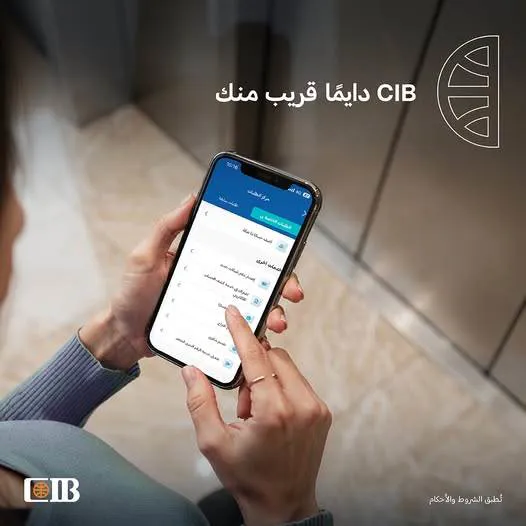
Commercial International Bank (CIB) lets its customers file complaints easily through its internet banking service or the CIB Mobile Banking app, with no need to visit a branch. Customers select "Requests Center" and then "Complaints", and a complaint reference number appears as soon as the complaint is submitted, making it easy to track the request and have it handled quickly and efficiently.
Key internet and mobile banking services from Commercial International Bank - CIB
1. Online card activation
Customers can activate new and replacement debit or credit cards without visiting a branch or an ATM.
2. Setting or resetting your PIN (PIN)
Easily set or change your card PIN through internet banking.
3. Debit card issuance
Request a new card in simple, secure steps through the digital platforms.
4. Viewing securities balances
Track your investments in stocks, bonds and treasury bills at any time.
5. Temporary card blocking
If your card is lost, you can block it instantly and easily reactivate it.
6. Redeeming deposits and certificates
Redeem savings certificates or time deposits fully or partially online, without visiting a branch.
7. Adding cards to Apple Wallet before activation
This service lets customers use their cards as soon as they are issued, before physically receiving them.
8. Transfers via the Instant Payment Network (IPN)
Make instant transfers to bank accounts, e-wallets or registered mobile numbers.
Maximum daily limit: EGP 5 million for Prime & Plus customers
EGP 20 million for Wealth & Private customers
Maximum per transaction: EGP 3 million
9. Online bill payment
Pay utility and service bills easily through the digital platforms.
10. Credit card installment plans (EPP)
Convert eligible transactions into installments directly from the app by choosing the plan that suits you.
11. Buying and selling mutual funds
Access a range of investment products through internet banking.
12. Estimated redemption value for certificates and deposits
See the value of a partial or full redemption before you proceed.
13. Biometric login
Log in with your fingerprint or face for extra security.
14. Apple Pay
Link your cards to Apple Pay and use them directly from your mobile phone.

Comments
No comments yet. Be the first!